

Resmed Airsense 11 Autoset CPAP Rental

Call Us: 866-490-1609
- Brand
- Resmed
- SKU:
- R-AIRSENSE11-AUTOSET
- Availability:
- Available
- Weight:
- 14.00 LBS
- Shipping:
- Free Shipping
RESMED AIRSENSE 11 AUTOSET • EQUIPMENT RENTAL
ResMed AirSense 11 AutoSet CPAP device rental for your organization
Rent ResMed AirSense 11 AutoSet equipment from Bemes for temporary capacity, planned projects, or equipment service intervals. Discuss short-term and long-term rental options, the required configuration, and your organization’s schedule.
Equipment rental is not available to private patients. Call 866-490-1609 to discuss your organization’s equipment rental requirements.
Preserve capital with CPAP device rental
ResMed AirSense 11 AutoSet rental gives your organization access to the equipment it needs without the upfront purchase of another unit. Match equipment spending to a defined requirement while keeping capital available for other priorities.
Compare short-term or long-term CPAP device rental with the full cost of ownership, including equipment utilization, maintenance coordination, storage, and replacement planning. Bemes can discuss the requested dates, package, and return terms.

ResMed AirSense 11 AutoSet equipment, with rental flexibility
Plan an AirSense 11 AutoSet rental with the compatible mask, tubing, and power accessories your team specifies.
Tell Bemes the exact model, configuration, compatible accessories, and quantity your organization requires. A rental helps cover a defined equipment need without committing to permanent inventory. The clinical team determines the appropriate equipment and setup.
Adjust equipment capacity as needs change
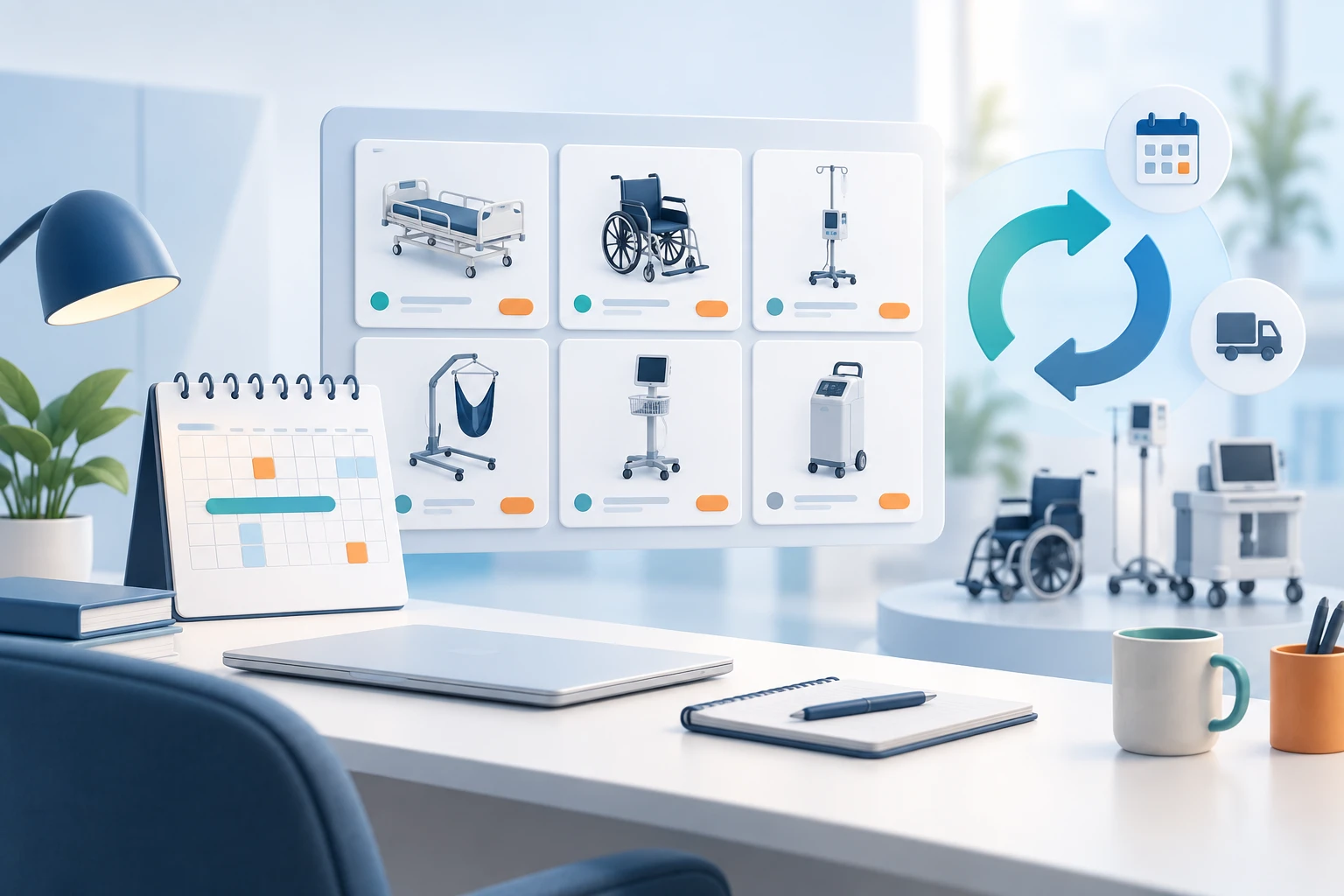
Use ResMed AirSense 11 AutoSet rental equipment to plan for temporary demand, additional locations, or a defined service period. Renting can reduce the need to purchase units that may be underused after the requirement ends.
A CPAP device rental may also help bridge downtime while owned equipment is being serviced. Confirm availability, duration, extensions, delivery, and return arrangements so your rental plan fits the way your organization works.
Equipment records and service support in one plan
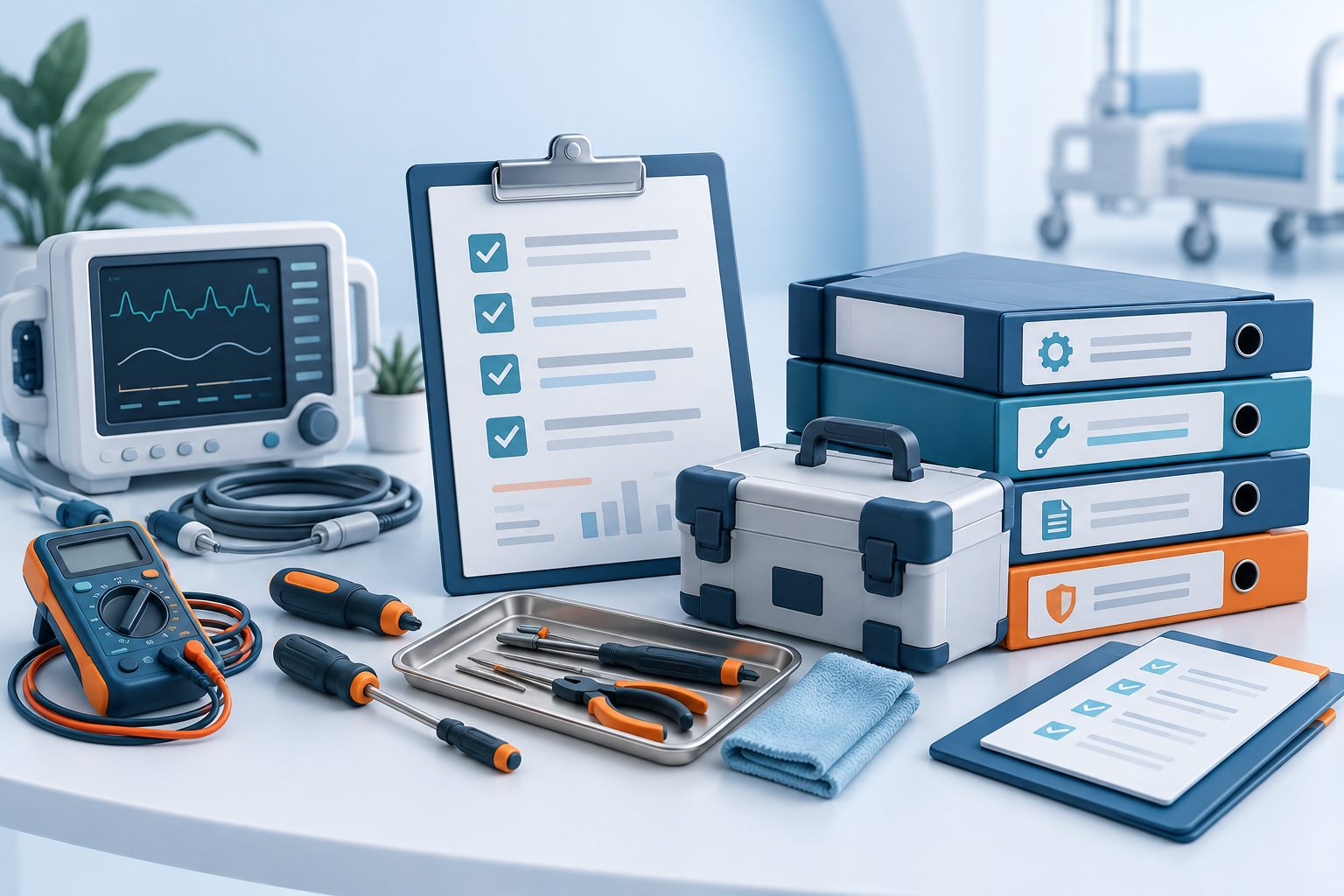
Managing a CPAP device involves more than acquiring the device. Discuss testing records, maintenance questions, compatible supplies, and the process for reporting equipment issues before the rental begins.
Use the customer rental management portal to check service histories, upcoming PM due dates, and billing. Monthly equipment reports, location details, and your own notes help your team keep rental information organized.
RENTAL REFERENCE
ResMed AirSense 11 AutoSet specifications and rental details
| Model | ResMed AirSense 11 AutoSet |
|---|---|
| Brand | Resmed |
| Equipment type | Cpap device |
| Rental SKU | R-AIRSENSE11-AUTOSET |
| Configuration | Confirm the exact device configuration and compatible accessories with your quote. |
| Rental duration | Discuss short-term or long-term requirements; availability and terms are confirmed by Bemes. |
| Equipment records | Customer portal access to service history, PM dates, billing, inventory reports, locations, and notes. |
Specifications describe the model platform. Confirm enabled options, accessories, and the supplied unit’s configuration before arranging your rental. Follow the applicable manufacturer instructions and clinician-directed setup.
YOUR RENTAL PACKAGE
Plan your ResMed AirSense 11 AutoSet rental package
Requested equipment
Specify ResMed AirSense 11 AutoSet, the required configuration, quantity, and planned rental dates.
Compatible accessories
Confirm power equipment, interfaces, and any model-specific accessories or consumables in your quote.
Service documentation
Ask which testing, calibration, and maintenance records accompany the supplied equipment.
Rental coordination
Review delivery, extensions, service contacts, and return arrangements before the rental begins.
Need a specific accessory? Contact Bemes before ordering to confirm compatibility and package contents.
SUPPORT THROUGHOUT YOUR RENTAL
Equipment management, repair, and compliance support
Keep rental coordination and equipment records organized with a clear plan for the full rental period. Discuss delivery dates, accessories, service documentation, and the return process with Bemes before equipment is dispatched.
Equipment management through your customer portal
Plan the number of rental units, required configurations, and expected rental duration around your facility’s needs. Use your rental management portal to track equipment locations, add notes, review billing, and generate monthly equipment reports. Review extension and return arrangements as demand changes.
Repair coordination
Know who to contact if equipment requires attention. Ask Bemes about the rental service process and any replacement arrangements included in your agreement. For equipment you own, visit ResMed AirSense 11 AutoSet repairs.
Compliance documentation
Confirm the testing, calibration, and service records available for the supplied unit. Check equipment service histories and upcoming PM due dates in your customer portal. These records can support your organization’s equipment tracking and review process; your facility determines its documentation and compliance requirements.
Discuss your rental equipment needsYOUR CUSTOMER RENTAL MANAGEMENT PORTAL
Track everything involved with your equipment rental
One portal, built around your rental equipment
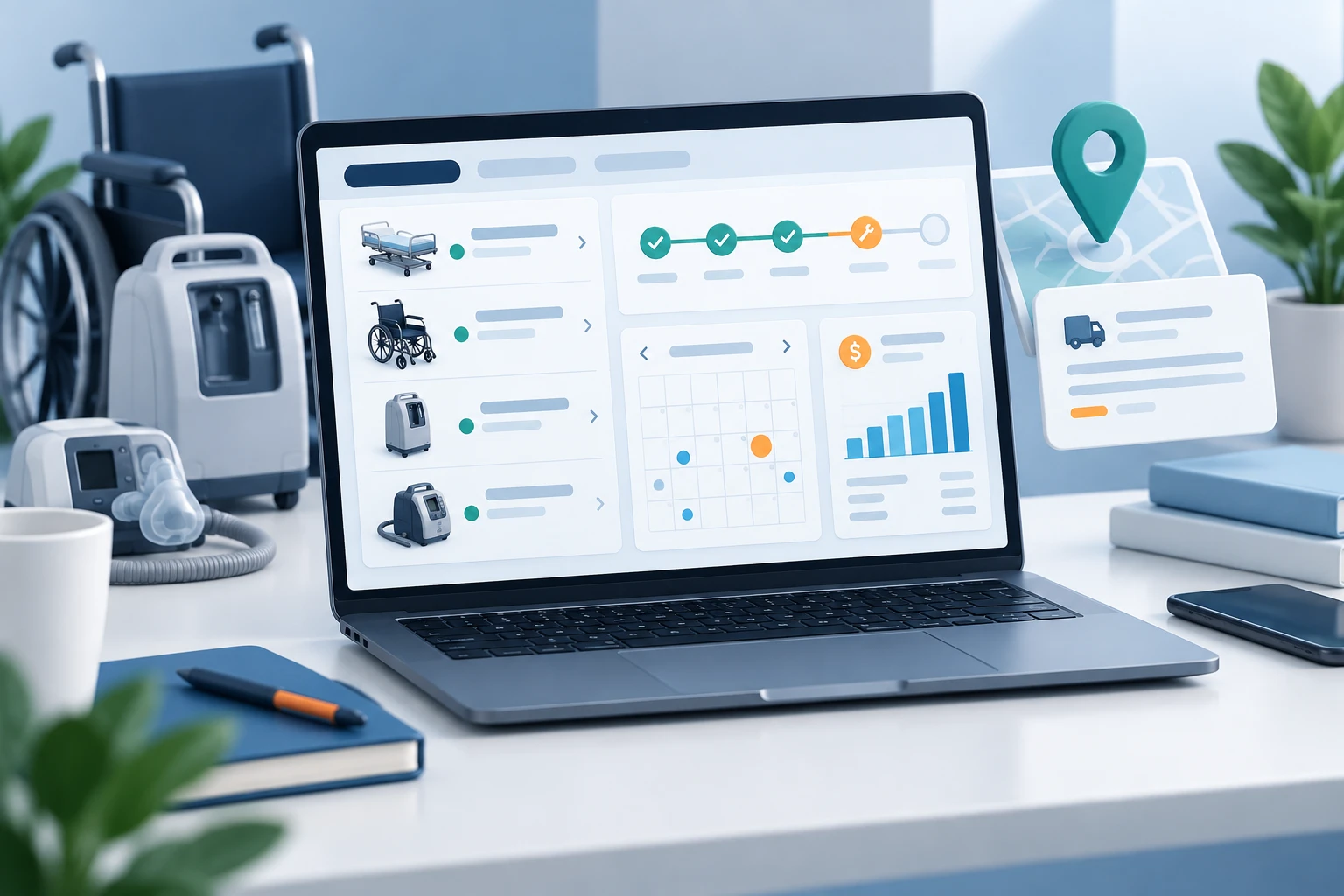
The Bemes rental management portal gives your organization one place to track its rental equipment, service information, billing, and equipment notes. Keep the details your team needs together throughout the rental period.
Review service histories and upcoming preventive maintenance (PM) due dates, check billing, and generate monthly reports showing the equipment you have on rent. Add location information and notes to individual equipment records so your team can keep track of where equipment is and anything else it needs to know.
Service history & PM dates
Check past service activity and see when preventive maintenance is due for your rental equipment.
Rental billing
Check your billing in the same portal you use to manage your equipment records.
Monthly equipment reports
Generate monthly reports of the equipment you have on rent to support inventory reviews and planning.
Locations & equipment notes
Record equipment locations and add the notes your team needs to track each item throughout its rental.
START YOUR RENTAL REQUEST
Request rental equipment
Complete the secure form below with your contact information, equipment models, and quantities.
ANSWERS BEFORE YOU RENT
ResMed AirSense 11 AutoSet rental FAQs
1. Who can rent ResMed AirSense 11 AutoSet equipment?
Equipment rental is not available to private patients. Hospitals, facilities, clinicians, and organizations should contact Bemes to confirm eligibility.
2. Why rent instead of buying?
Renting ResMed AirSense 11 AutoSet equipment can help preserve capital and match equipment access to a temporary need. Compare the rental duration, expected utilization, accessories, service requirements, and return terms with the cost of owning the equipment.
3. Are short-term and long-term rentals available?
Bemes can discuss short-term and long-term rental requirements. Availability, minimum terms, extensions, and pricing are confirmed with your quote.
4. What is included in the rental package?
Package contents vary by model and configuration. Specify the accessories and consumables you need, and confirm the exact contents with Bemes before dispatch.
5. What can I track in the rental management portal?
Check service histories, preventive maintenance due dates, and billing. Generate monthly reports of equipment on rent and add locations and notes to individual equipment records.
6. How do I request repair or maintenance support?
Contact Bemes when rental equipment needs attention. Check service history and PM dates in the customer portal, and follow the support and replacement arrangements in your rental agreement.
7. Does Bemes bill insurance?
Bemes does not bill insurance providers. Call 866-490-1609 for direct pricing and rental information.
8. How do I request a ResMed AirSense 11 AutoSet rental?
Complete the Rental Request Form with your contact details, model, and quantity. Include your organization’s requested dates and configuration so Bemes can confirm availability and rental terms.

RESMED AIRSENSE 11 AUTOSET RENTAL SUPPORT
What makes our service experts great.
Help your organization identify the right ResMed AirSense 11 AutoSet equipment package and model-specific support for rental coordination and service.
Review ResMed AirSense 11 AutoSet documentation, compatible accessories, supplied configuration, and package contents before your rental.
We care about clear answers and practical equipment support. Talk with us about your ResMed AirSense 11 AutoSet questions and compatible accessories.
From your first inquiry to questions about accessories or repairs, our team helps you work through the details of your ResMed AirSense 11 AutoSet equipment needs.
Product documentation and support
ResMed AirSense 11 AutoSet repairs · ResMed AirSense 11 AutoSet rentals


